 Dhancept
Quickstart Guide
Welcome to Dhancept Terminal, a production-grade, multi-agent AI research and quantitative analysis workspace. This guide walks you through setting up your account and getting started with the interface.
Paper trading is the default: orders you place in the Trade desk are simulated against market prices and no money moves. If you connect a Zerodha Kite account and turn on Live trading in Settings, orders are sent to your broker as real orders, use real money and can lose money. Dhancept is not registered with SEBI as an Investment Adviser or Research Analyst; its outputs are research, not recommendations.
Creating an Account
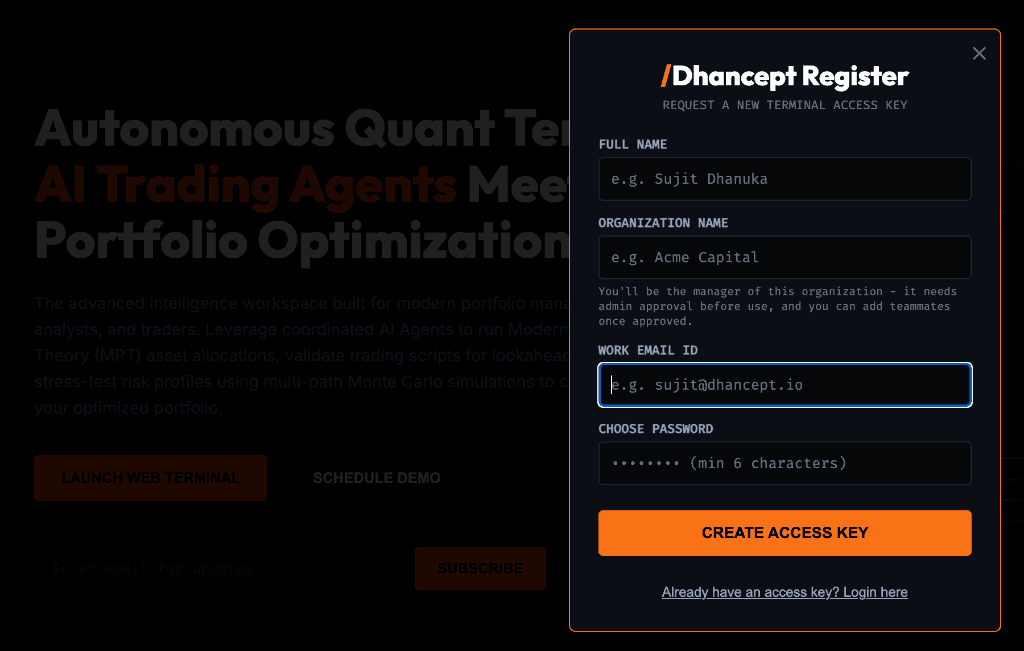
- Click Register on the initial login gate screen.
- Enter your name, work email address, and select a secure password.
- Right after registering, you will be guided through a one-time onboarding setup:
- Step 1 — Home Market: Choose India NSE/BSE, US Markets, European Markets, Asian Markets, or Global. This sets your base currency (INR, USD, or EUR) and default benchmark indices.
- Step 2 — Investor Profile: Configure risk limits, capital size, horizon parameters, and sector exclusions. These parameters act as global constraints for your AI Swarm analysts.
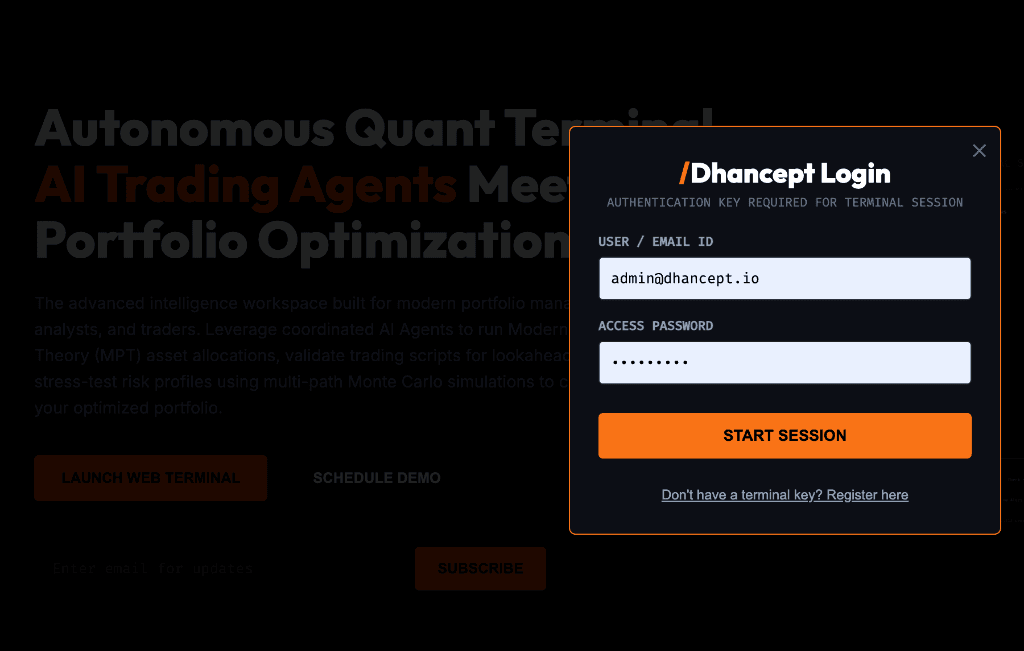
Onboarding setup occurs exactly once. If you log out and log in again, you will land directly in the active workspace. If you ever need to change your home market or profile preferences, head over to Settings → Home Market & Profile where all properties remain fully editable.